Can Your PC Run Polylithic?
The store page is the law. A busy camp with nine friends is the weather.
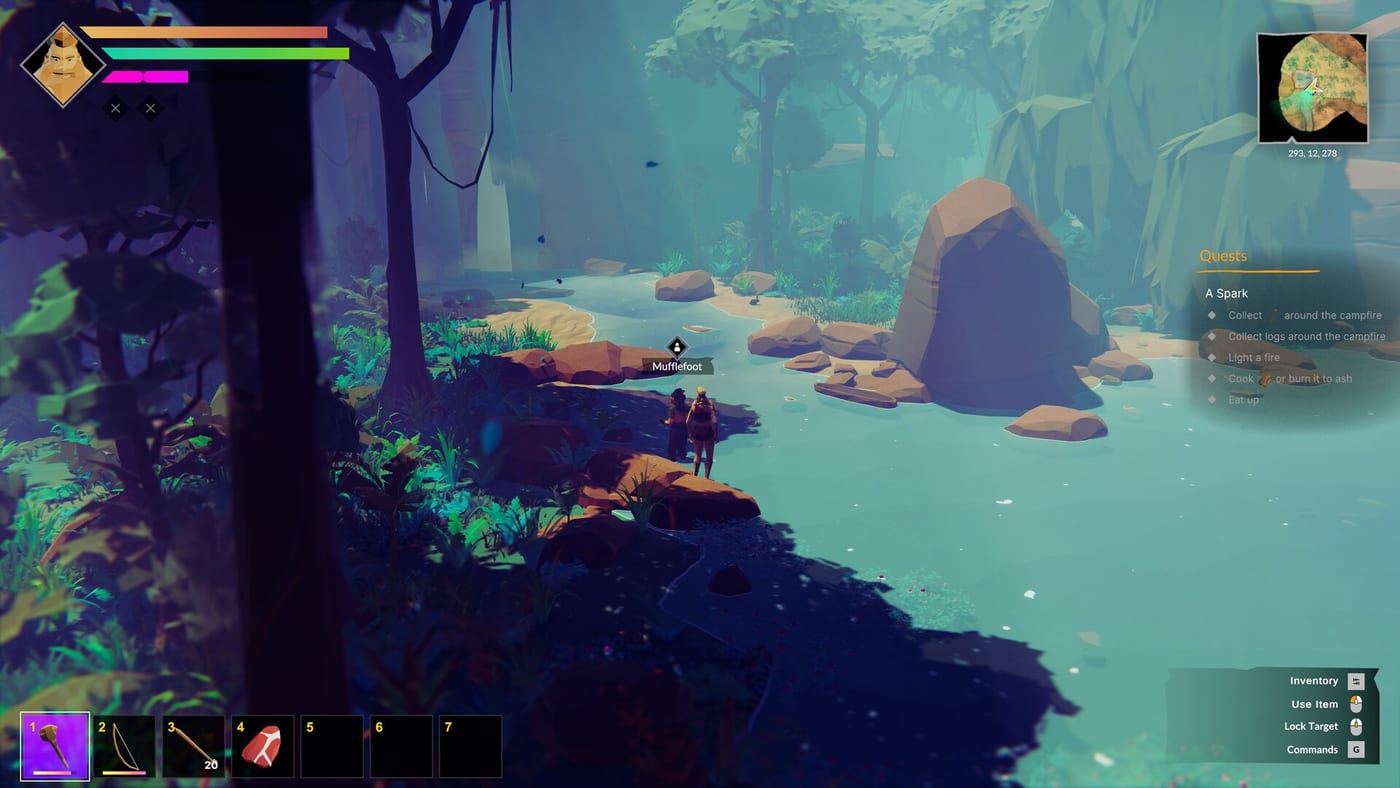
Polylithic is a Windows Steam game from polyperfect and indie.io. The only official numbers live on the Steam store page. This page repeats the 1.0 listing and then adds what launch-week players said when a village hitch ate the frame rate. It is unofficial. If Steam and this sentence disagree, Steam wins.
As listed on Steam after the 25 August 2026 full release, minimum is Windows 10, a 64-bit CPU, Intel Core i5-7400, 8 GB RAM, GTX 970, and 1500 MB of disk. Recommended keeps the same CPU line, asks for 16 GB RAM and a GTX 2070, still 1500 MB storage. Those cards are not toys once grass, weather, boats, and nine friends load. 1.0 also shipped Steam Deck UI scaling and on-screen keyboard support. That is not the same as a Verified badge. Check the live Deck row on Steam before you buy for a handheld.
What the store page actually promises
- Platform: Windows. No Mac or Linux listing.
- Input: full controller support, DualShock, DualSense, keyboard and mouse.
- Networking: online co-op, Steam Cloud, family sharing.
- Languages in the game client: English, Czech, French, German, Russian, Japanese, Spanish, Brazilian Portuguese, Simplified Chinese, plus Korean added in 1.0.0.25. This wiki still ships English, French, German, and Spanish pages only.
If you need the current byte count or a changed RAM line, refresh Steam. Do not trust a wiki to outlive a depot.
What players report anyway
Launch reviews still say the game can look soft and hitch. Busy camps hitch more. Long sessions hitch more. Hosting is heavier than solo. See the review for the buy call and patch notes for 1.0.0.24 (clients who could not chop or swing) and 1.0.0.25 (boats falling through unloaded chunks). If your machine is “recommended” and still stutters when the tribe cooks, you are not imagining it.
Co-op hosting belongs on the desktop with RAM and a wired plug. Laptops join. Read how to play co-op and multiplayer before you sell a full lobby a slideshow.
Practical settings, not magic
- Cap the frame rate before you cap your patience.
- Turn down shadows and foliage if the camp is the hitch, not the horizon.
- Use the 1.0 UI scale on Deck or a television so hold-to-gather prompts are readable. See controls.
- Save manually. Performance complaints and lost progress love each other.
- Update the GPU driver once, then stop chasing nightly builds.
If the machine is below the i5-7400 / GTX 970 line, do not buy this hoping a Stone Age game is light. Open worlds with animals, weather, and AI are not Minesweeper. If the machine is above recommended and still sad, try a shorter session after 1.0.0.25 before you refund. The review will not make your GPU faster. It will only tell you whether the hitch is worth the tribe.
Hosting versus joining
Solo on a GTX 2070 can still hitch when the village cooks. Hosting nine friends makes that hitch a group event. Give the session to the strongest box. If the hitch is only in camp, shrink foliage and stop stacking every villager on one fire. A Stone Age game is still an open world. Plan the box like you plan the hunt.
Frequently Asked Questions
Quick answers to the most common questions.
What are the official Polylithic specs?
Steam lists Windows 10, i5-7400, 8 GB RAM and GTX 970 minimum; 16 GB and GTX 2070 recommended; 1500 MB disk. Refresh the store if those lines move.
Does it run on Steam Deck?
1.0 added Deck UI scaling and gamepad text input. This wiki will not invent a Verified badge. Check the live Steam Deck row.
Why does a recommended PC still stutter?
Busy camps, long sessions, and co-op hosting cost more than the screenshot. Lower shadows and host on the strongest box.
How much RAM do I really want?
Steam says 8 GB minimum and 16 GB recommended. Hosts should believe the second number.